Send anything
Files and whole folders, structure kept, empty folders included. Desktop drag and drop. Several transfers at once, with progress, speed and time left for each file.
Utilities · Android · Windows · macOS
Fast, encrypted file and clipboard sharing between your phone and computer, straight over your Wi-Fi. No cloud, no account, no size limit. Transfers survive Wi-Fi drops, sleep and restarts.
Downloads open the latest release: pick Bifrost_<version>_aarch64.dmg for Mac or Bifrost_<version>_x64-setup.exe for Windows. Mac: Apple silicon, macOS 12 or later. Not notarized yet, so the first time it's blocked: open System Settings, Privacy & Security, and choose Open Anyway (on macOS 14 and earlier, right-click Bifrost and choose Open). Windows: 64-bit; if SmartScreen warns, choose More info, then Run anyway.
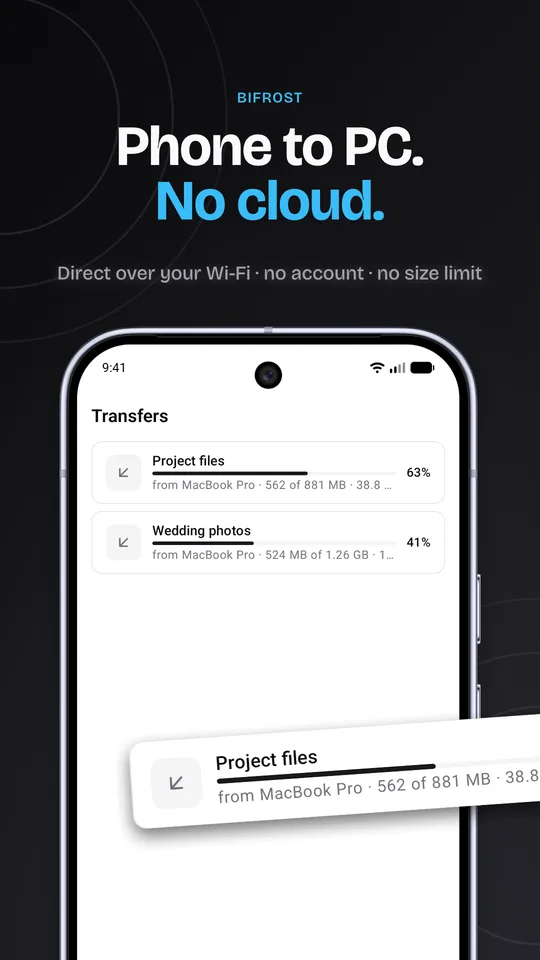
Files and whole folders, structure kept, empty folders included. Desktop drag and drop. Several transfers at once, with progress, speed and time left for each file.
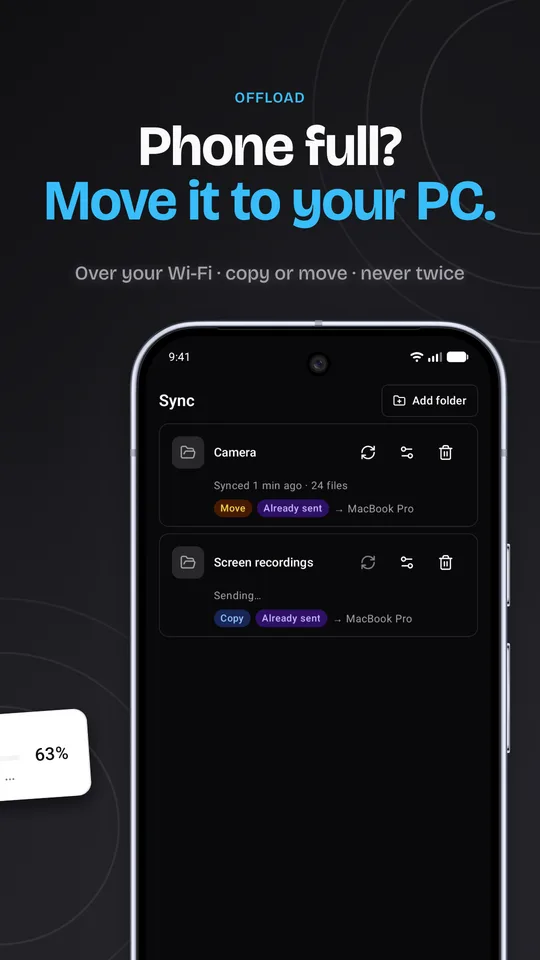
Pick a folder, like your phone's Camera, and a computer. New files go over by themselves, never twice. Copy keeps them; Move frees up space once the computer has saved them.
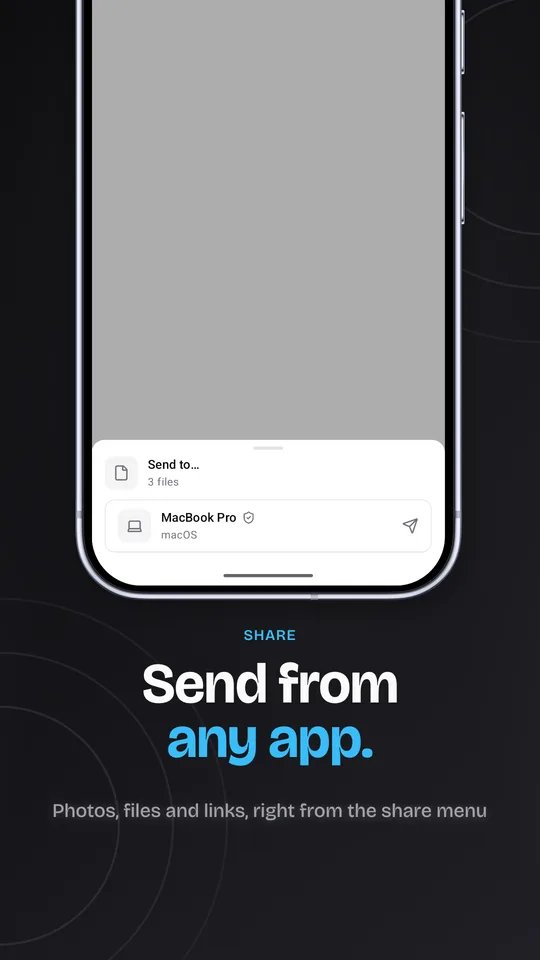
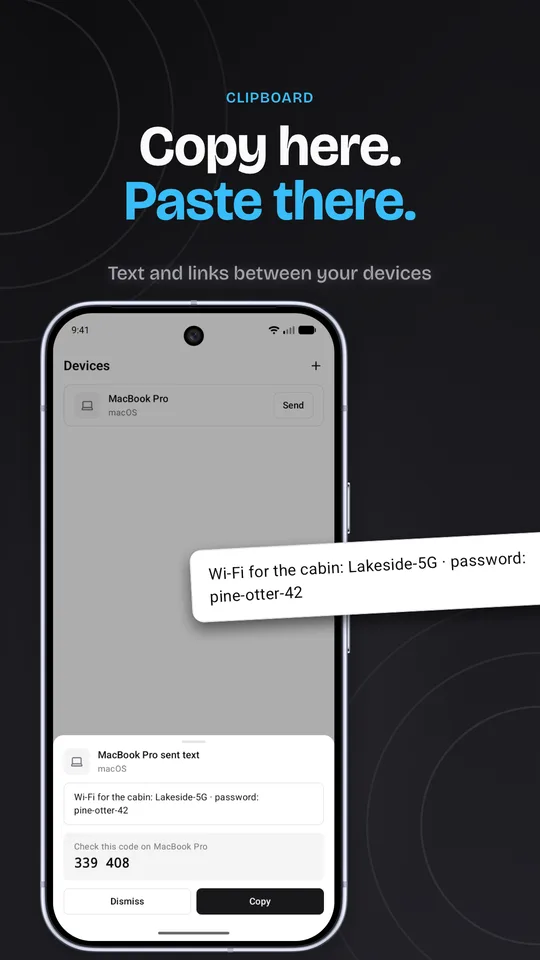
On Android, Bifrost is in every app's share menu. Text and links go to the other device's clipboard; trusted devices copy it right away, others ask first.
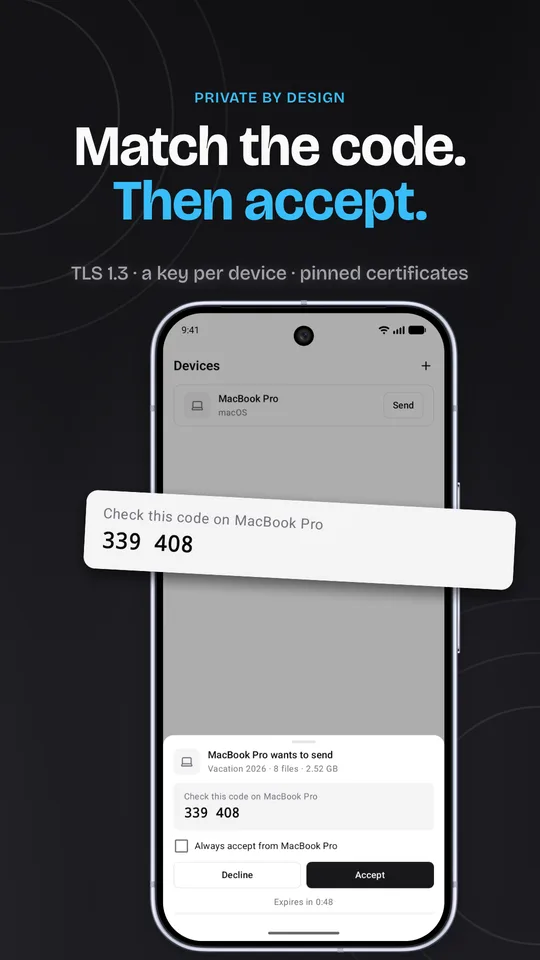
Every incoming transfer shows the sender, file count, size and a 6-digit code to match on both screens. "Always accept" skips the prompt for your own devices.
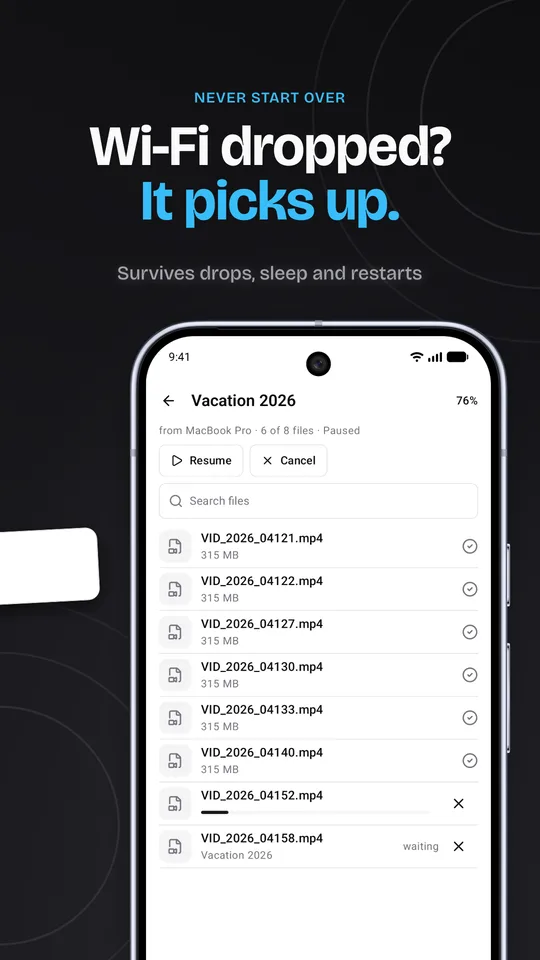
Pause, resume or cancel from either side, for a whole transfer or one file. After a drop, sleep or crash, it continues from the last saved piece.
TLS 1.3 with a key for each device, pinned by certificate. Every piece checked with BLAKE3. No cloud, no account, no tracking.
| Layer | Tech | Notes |
|---|---|---|
| Core | Rust: tokio, rustls, mdns-sd, SQLite, BLAKE3 | Discovery, encryption, transfers, resume and trust, written once for every platform |
| Desktop | Tauri 2, Svelte 5, TypeScript | Windows and macOS. Lives in the tray and receives with the window closed |
| Android | Jetpack Compose, UniFFI Kotlin bindings | The JVM stays out of the data path |
| Backend | None | Devices talk to each other directly on the local network |